Diploma Verification System – User Guide and Features
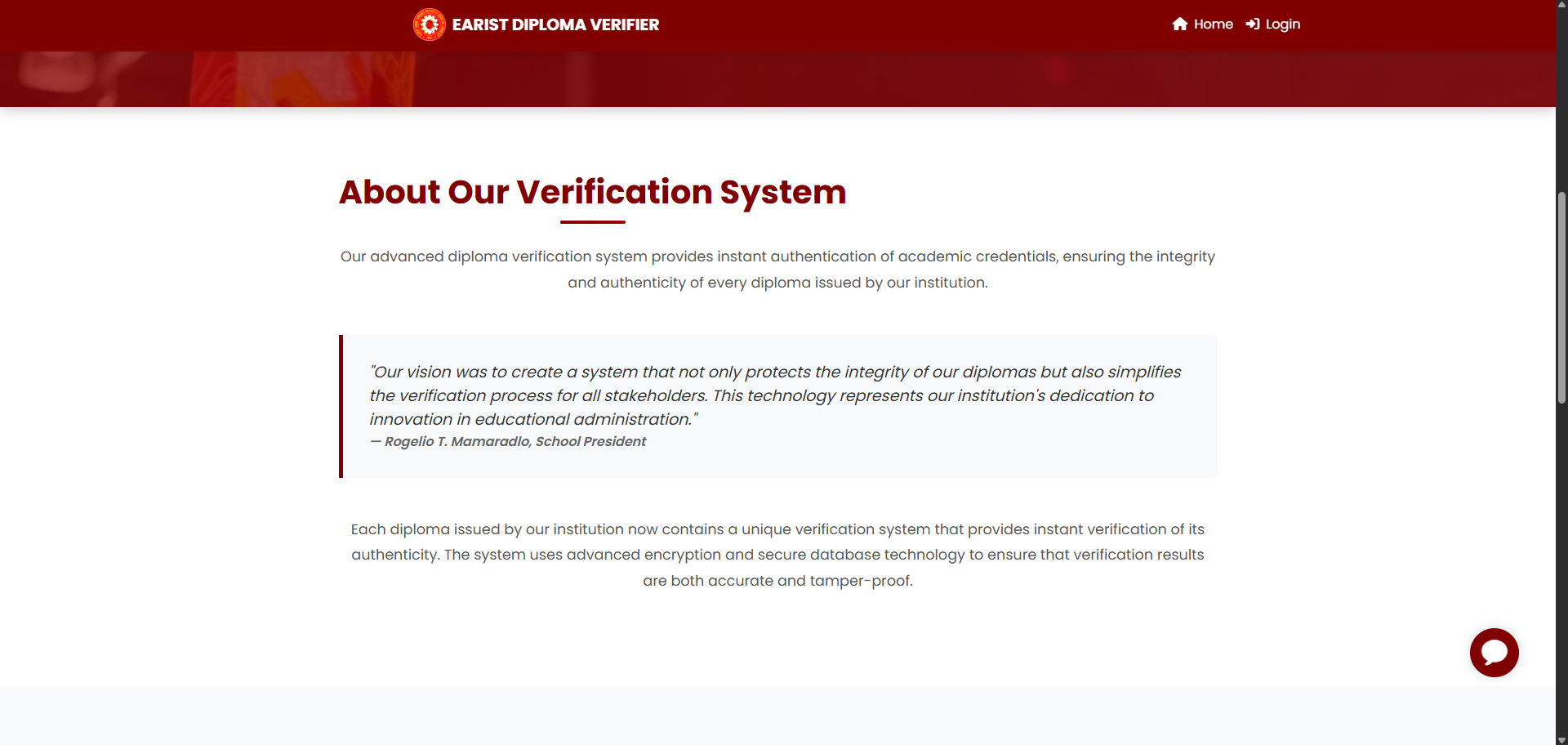
The Diploma Verification System is a comprehensive digital platform designed to authenticate academic credentials issued by educational institutions. It ensures the integrity, security, and authenticity of diplomas using advanced encryption, QR code technology, and a secure database infrastructure.
Key Features
-
QR Code Verification for instant diploma authentication
-
Manual Verification using student details as backup
-
Access Key Protection for sensitive diplomas
-
Real-time Notifications via email for verification attempts
-
Audit Trail with full logging of verification activities
Verification Methods
-
QR Code Scanner
-
Scan QR codes directly from physical diplomas
-
Automatic detection with real-time processing
-
Tips: ensure good lighting, steady hands, and a clean QR area
-
-
Manual Verification
-
Enter student number and graduation date
-
Useful for older diplomas, damaged QR codes, or bulk verification
-
Verification Results
-
Successful Verification: Displays student details, program, graduation date, institution info, and timestamp
-
Failed Verification: May result from invalid QR, incorrect data, revoked diploma, or missing access key
-
Access Key Protected Diplomas: Requires an additional security code to complete verification
Security Highlights
-
Encrypted storage and HTTPS transmission
-
Unique diploma hashes and QR codes for anti-fraud protection
-
Access logging with IP tracking
-
Revocation system for invalid diplomas
Troubleshooting
-
QR Code Issues: Check lighting, clean QR, or switch to manual verification
-
Manual Verification Errors: Double-check student number and graduation date
-
Browser Issues: Clear cache, check permissions, or try another browser
Best Practices
-
For Diploma Holders: Keep diplomas safe, store access keys securely, and verify regularly
-
For Employers/Institutions: Use both QR and manual verification, keep records of results, and contact issuing schools when in doubt
-
For Administrators: Perform regular backups, review audit logs, and keep system data up to date
📌 This knowledge base article is updated periodically. For the latest version and support, contact your institution’s IT or registrar’s office.
- No category found